Материал: grid

An Easy Reference for ALV Grid Control
We must state the field containing handle for each field. This is done while generating your field
catalog.
e.g.
While modifying field catalog entry for ‘
CARRID
’:
ls_fieldcat-web_field =
'
CARRID_HANDLE
'
.
And for ‘
CONNID
’:
ls_fieldcat-web_field =
'
CONNID_HANDLE
'
.
When calling the method “
set_table_for_first_display
” pass the name of the handle data
table to the parameter “
it_hyperlink
”.
While you are filling your list data, you should put handles in related fields. Following sample code
says that when clicked on a
CARRID
field containing ‘XX’ go to the URL
'http://www.company.com/carrids/car1'
and if it is a
CONNID
field fulfilling the former condition and
containing ‘01’, go to the URL
'http://www.company.com/connids/con11'
. Here, the hyperlink table
considered is the table prepared in
Code Part 15
.
LOOP AT gt_list .
IF gt_list-carrid =
'
XX
'
.
gt_list-carrid_handle =
'
1
'
.
IF gt_list-connid =
'
01
'
.
gt_list-connid_handle =
'
4
'
.
ENDIF .
MODIFY gt_list .
ENDIF .
ENDLOOP .
Code Part 18 –
Assigning handles to fields
Making Fields As Dropdown Lists
Certainly, it will be nice to make some fields as dropdown menus. The procedure for making a field as
a dropdown menu is similar to making it to contain a hyperlink. However, in this case, we do not give our
table filled with handles directly to the method “
set_table_for_first_display
”. The table for values must
be of type “
LVC_T_DROP
” and we will use the method “
set_drop_down_table
” to register our handles
table. To make an entire column as dropdown, just while generating the field catalog; pass the handle
number to field “
DRDN_HNDL
” for that field.
e.g.
ps_fcat-drdn_hndl =
'
1
'
.
To make individual cells as dropdown, you must add a new field to contain the handle, for each
column field to be as dropdown. While filling your list data or somewhere separate where you modify it,
you fill these new fields with handles. To match the fields containing handle information with the columns,
we use again the field catalog. We pass the name of our new field to the field “
DRDN_FIELD
” of the field
catalog structure for the column.
e.g.
© 2005 SAP AG
31

An Easy Reference for ALV Grid Control
For the example at the Code Part 18 –
ps_fcat-drdn_field =
'
PTYP_DD_HNDL
'
.
*--- Internal table holding list data
DATA BEGIN OF gt_list OCCURS 0 .
INCLUDE STRUCTURE SFLIGHT .
DATA rowcolor(4) TYPE c .
DATA cellcolors TYPE lvc_t_scol .
DATA carrid_handle TYPE int4 .
DATA connid_handle TYPE int4 .
DATA ptype_dd_hndl TYPE int4 .
DATA END OF gt_list .
Code Part 19 –
Adding a new field to contain handle for drilldown values
*--- Drilldown values
FORM prepare_drilldown_values.
DATA lt_ddval TYPE lvc_t_drop .
DATA ls_ddval TYPE lvc_s_drop .
ls_ddval-handle = '1' .
ls_ddval-value = 'JFK-12' .
APPEND ls_ddval TO lt_ddval .
ls_ddval-handle = '1' .
ls_ddval-value = 'JSF-44' .
APPEND ls_ddval TO lt_ddval .
ls_ddval-handle = '1' .
ls_ddval-value = 'KMDA-53' .
APPEND ls_ddval TO lt_ddval .
ls_ddval-handle = '1' .
ls_ddval-value = 'SS3O/N' .
APPEND ls_ddval TO lt_ddval .
CALL METHOD gr_alvgrid->set_drop_down_table
EXPORTING
it_drop_down = lt_ddval .
ENDFORM. " prepare_drilldown_values
Code Part 20 –
Preparing values for the dropdown menu with the handle ‘1’
© 2005 SAP AG
32
An Easy Reference for ALV Grid Control
As you examine at
Code Part 19
, after preparing the values table, we register our table by the method
“
set_drop_down_table
”.
Managing Display Variants
You can manage display variants by using parameters, “
is_variant
” and “
i_save
” of
“
set_table_for_first_display
”. Here are options for variant handling. <structure_name> is the
variant-defining structure of type “
DISVARIANT
”. The field “
report
” in this structure should contain the
value of “
sy-repid
”.
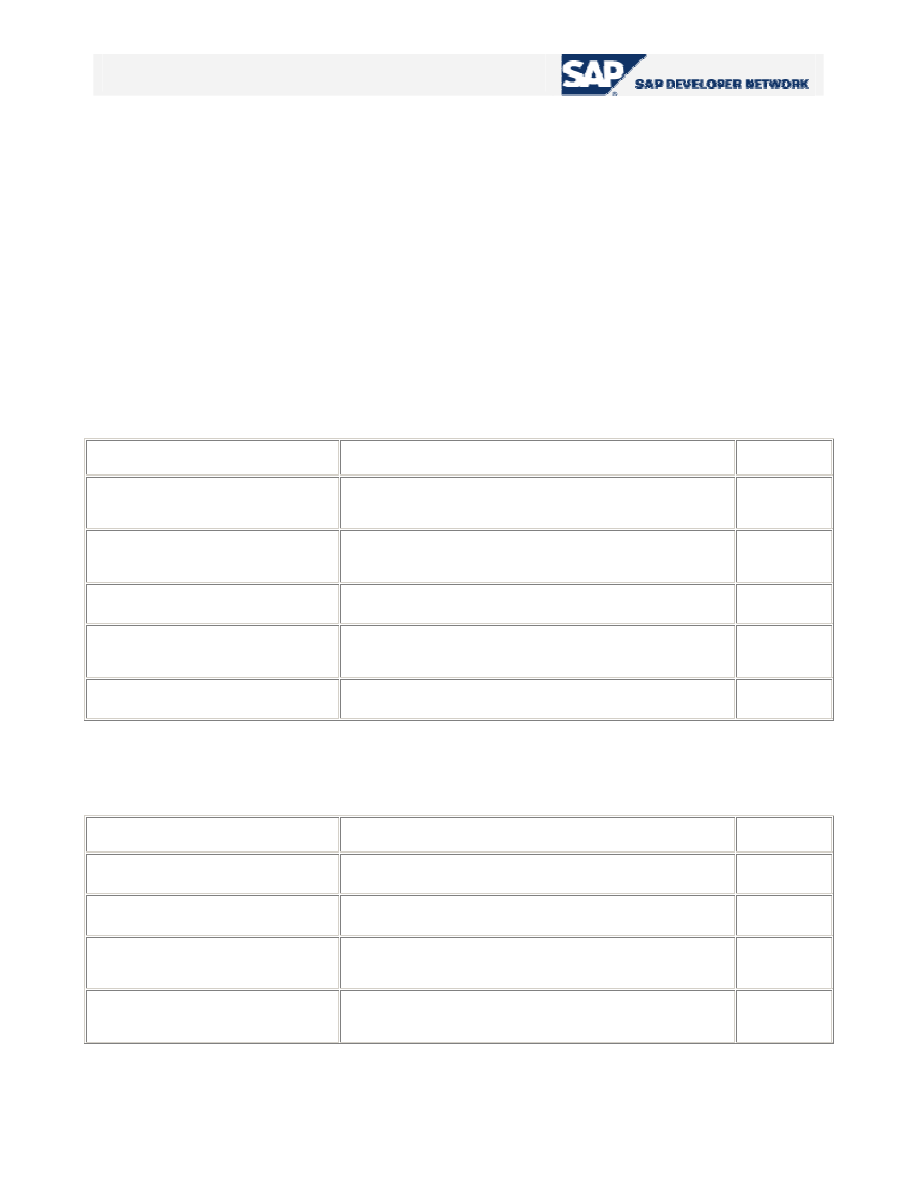
Mode is_variant
i_save
Change current display
variant
SPACE SPACE
Select and change
current display variant
<structure_name> SPACE
Select, change and
save current display
variant
<structure_name>
‘U’: Only user-specific
‘X’: Only global
‘A’: Both
Table 9 –
Display variant modes
© 2005 SAP AG
33
An Easy Reference for ALV Grid Control
Event Based Additional Functionalities
As being developed by object-oriented methodology, ALV Grid control has some events that are
triggered during interaction between the user. These events are used to utilize some additional
functionalities of the ALV Grid. For these types of functionalities, we require a class to be implemented
(generally local in our program) to be the event handler for the ALV Grid instance. It is assumed in this
tutorial that the object- oriented perspective of ABAP programming is known. We will not deal with the
syntax and logic on how to define and implement a local class, why to register an event handler method
to handle an event, etc…
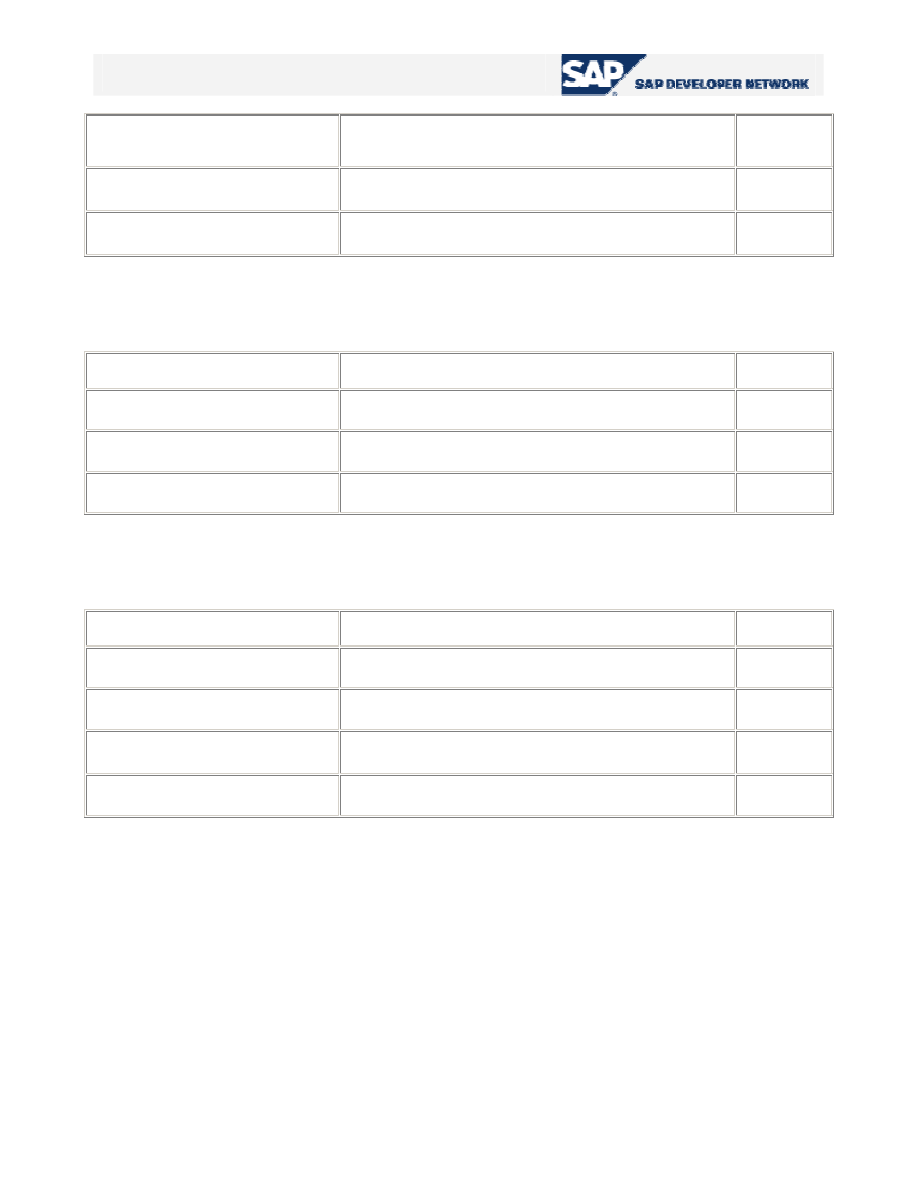
Here are some of the events of ALV Grid control. This table is taken from the online SAP Library. The
column “HTML” shows that whether the related event is supported at SAP GUI for HTML. “
9
” means that
it is applicable, “
X
” is for non-applicable ones and “
(
9
)
” is used for restricted-applicability.
User-defined Text Output
Event
Application
HTML
print_end_of_list
Define output text to be printed at the end of the entire
list
9
print_top_of_list
Define output text to be printed at the beginning of the
entire list
9
print_end_of_page
Define output text to be printed at the end of each page
9
print_top_of_page
Define output text to be printed at the beginning of each
page
9
subtotal_text
Define self-defined subtotals texts
9
Table 10 –
Events for user-defined text output
Mouse-controlled Actions in the Grid Control
Event
Application
HTML
button_click
Query a click on a pushbutton in the ALV Grid Control
9
double_click
Query a double-click on a cell of the ALV Grid control
9
hotspot_click
Query a hotspot click on columns defined for this
purpose in advance
9
onDrag
Collect information when elements of the ALV Grid
Control are dragged
X
© 2005 SAP AG
34
An Easy Reference for ALV Grid Control
onDrop
Process information when elements of the ALV Grid
Control are dropped
X
onDropComplete
Perform final actions after successful Drag&Drop
X
onDropGetFlavor
Distinguish between options for Drag&Drop behavior
X
Table 11 –
Events for mouse-controlled Actions
Processing of Self-defined and Standard Functions
Event
Application
HTML
before_user_command
Query self-defined and standard function codes
9
user_command
Query self-defined function codes
9
after_user_command
Query self-defined and standard function codes
9
Table 12 –
Events for processing of self-defined and standard functions
Definition of Self-defined Functions
Event
Application
HTML
toolbar
Change, delete or add GUI elements in the toolbar
9
menu_button
Define menus for menu buttons in the toolbar
9
context_menu_request
Change context menu
X
onf1
Define self-defined F1 help
(
9
)
Table 13 –
Events for definition of self-defined functions
© 2005 SAP AG
35