Материал: part16

DICOM PS3.16 2020a - Content Mapping Resource |
Page 81 |
If reference to a specific coding scheme version is required, it takes the following form:
•EV or DT (CV, CSD [CSV], "CM")
e.g., DT (MA.II.A.5.4A, BI [4.0], "4A - Low suspicion").
References to Context Groups take the following form:
•BCID or DCID (CID) CNAME
e.g., Defined Context Group 5000 is represented as follows: DCID (5000) Language.
References to Templates take the following form:
•BTID or DTID (TID) TNAME
e.g., Baseline Template 1000 is represented as follows: BTID (1000) Quotation.
6.1.1 Row Number
Each row of a Template Table is denoted by a row number. The first row is numbered 1 and subsequent rows are numbered in as- cending order with increments of 1. This number denotes a row for convenient description as well as reference in conditions. The Row Number of a Content Item in a Template may or may not be the same as the ordinal position of the corresponding Sequence Item (representing the Content Item) in a Content Sequence (0040,A730), depending on the number of times the Content Item is re- peated.
The Content Item specified in the first row of a Template table may be of any Value Type. Specifically, it is not constrained to be a CONTAINER.
6.1.2 Nesting Level (NL)
The nesting level of Content Items is denoted by ">" symbols, one per level of nesting below the initial Source Content Item (of the Template) in a manner similar to the depiction of nested Sequences of Items in Modules Tables in PS3.3. When it is necessary to specify the Target Content Item(s) of a relationship, they are specified in the row(s) immediately following the corresponding Source Content Item. The Nesting Level of a Target Content Item is one greater than the Nesting Level of the corresponding (parent) Source Content Item. The Content Item specified in row 1 of a Template Table is at the top level (i.e., no ">" symbol is ever present in the NL field for the first Content Item in the table).
Acquisition Context Templates have no Nesting Level field. Protocol Context and UPS Processing Parameter Templates allow a single Nesting Level implemented through the Content Item Modifier Sequence (see PS3.3).
6.1.3 Relationship With Source Content Item (Parent)
RelationshipTypeandRelationshipMode(i.e.,By-valueorBy-reference)constraints,ifdefined,arespecifiedinthisfield,asdescribed
Table 6.1.3-1.
Relationship Type and Mode are specified for each row that specifies a target Content Item.
Relationship Type and Mode may also be specified when another Template is included, either "top-down" or "bottom-up" or both (i.e., in the "INCLUDE Template" row of the calling Template, or in all rows of the included Template, or in both places). There shall be no conflict between the Relationship Type and Mode of a row that includes another Template and the Relationship Type and Mode of the rows of the included Template.
Note
SR IODs specify Enumerated Values for Relationship Types. If a Relationship Type other than one of the Defined Terms forRelationshipType(0040,A010)isspecifiedinaPrivateSOPClass,thereisasignificantrisktointeroperability.Document- ation accompanying Templates for Private SOP Classes should define any Relationship-type extensions in the manner that the Standard Relationship Types are defined in PS3.3.
Acquisition Context and Protocol Context Templates have no Relationship field.
- Standard -
Page 82 DICOM PS3.16 2020a - Content Mapping Resource
|
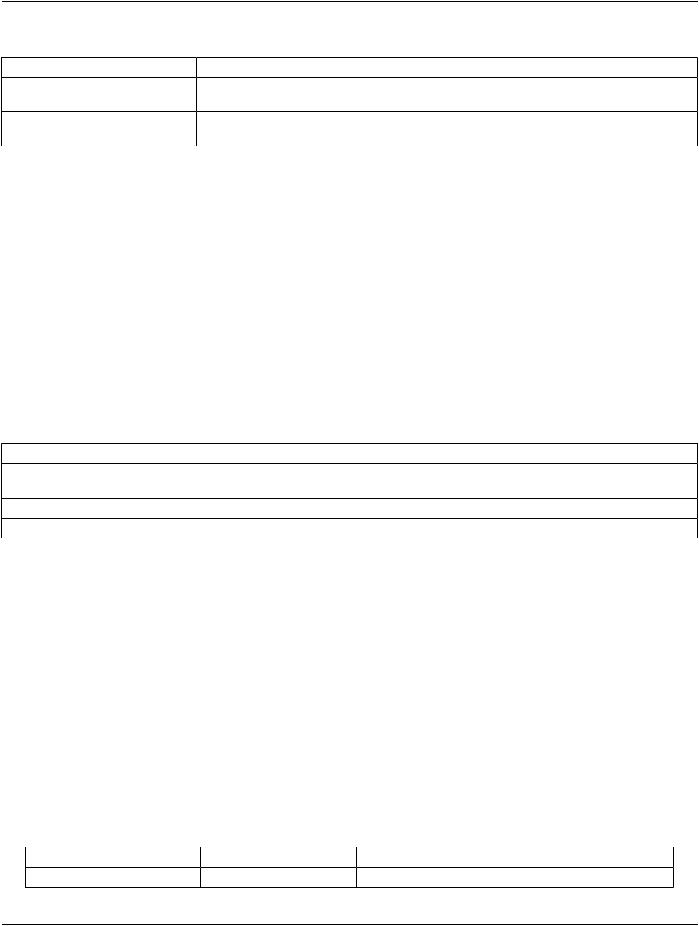
Table 6.1.3-1. Syntax of Relationship Constraints |
Expression |
Definition |
RTYPE |
Relationship Mode is By-value and Relationship Type is RTYPE. For example, "INFERRED |
|
FROM". |
R-RTYPE |
RelationshipModeisBy-referenceandRelationshipTypeisRTYPE.Forexample,"R-INFERRED |
|
FROM". |
6.1.4 Value Type (VT)
The Value Type field specifies the SR Value Type of the Content Item or conveys the word "INCLUDE" to indicate that another Template is to be included (substituted for the row). See Section 6.2.3 for further description of "Included Templates".
6.1.5 Concept Name
AnyconstraintsontheConceptNamearespecifiedintheConceptNamefieldasdefinedorenumeratedcodedentries,orasbaseline ordefinedcontextgroups.Alternatively,whentheVTfieldis"INCLUDE",theConceptNamefieldspecifiestheTemplatetobeincluded.
The absence of an entry in the Concept Name field means that any code may be used, from any coding scheme, including codes from private coding schemes.
6.1.6 Value Multiplicity (VM)
The VM field indicates the number of times that either a Content Item of the specified pattern or an included Template may appear in this position. Table 6.1.6-1 specifies the values that are permitted in this field.
Table 6.1.6-1. Permitted Values for VM
Expression |
Definition |
i (where 'i' represents an integer) |
Exactly i occurrences, where i>=1. E.g., when i=1 there shall be one |
|
occurrence of the Content Item in this position. |
i-j (where 'i' and 'j' represent integers) |
From i to j occurrences, where i and j are >=1 and j>i. |
i-n (where 'i' and 'n' represent integers) |
i or more occurrences, where i>=1. |
6.1.7 Requirement Type
The Requirement Type field specifies the requirements on the presence or absence of the Content Item or included Template.
Note
There is typically no need to specify Requirement Type separately for SCU and SCP of the Basic SR SOP Classes, because the SCP is required to support the entire content of any SR Document it receives. Therefore, for Basic SR SOP Classes, Requirement Type effectively only applies to the SCU.
The following symbols are used:
M Mandatory. Shall be present.
MCMandatory Conditional. Shall be present if the specified condition is satisfied. U User Option. May or may not be present.
UCUser Option Conditional. May not be present. May be present according to the specified condition.
Note
There is an interaction between the VM and the Requirement Type with respect to the number of times that a Content Item (or included Template) may actually be present, as follows:
Req Type |
VM |
Actual number of occurrences in the content tree |
M |
1 |
1 |
- Standard -

|
DICOM PS3.16 2020a - Content Mapping Resource |
Page 83 |
|
Req Type |
VM |
Actual number of occurrences in the content tree |
|
M |
1-n |
1 to n |
|
U |
1 |
0 or 1 |
|
U |
1-n |
0 to n |
|
6.1.8 Condition
The Condition field specifies any conditions upon which presence or absence of the Content Item or its values depends. This field specifies any Concept Name(s) or Values upon which there are dependencies.
References in Condition statements to coded concepts or values, whether to select a Content Item to test or to specify a value to test against, are of the form (CV, CSD, "CM"). As is always the case for coded entries, the matching is performed against CV and CSD, irrespective of the string value of CM.
References may also be made to row numbers (e.g., to specify exclusive OR conditions that span multiple rows of a Template table).
The following abbreviations are used:
XORExclusive OR. One and only one row shall be selected from mutually-exclusive options.
Note
Forexample,ifoneofrows1,2,3or4maybeincluded,thenforrow2,theabbreviation"XORrows1,3,4"isspecified for the condition.
IF Shall be present if the condition is TRUE; may be present otherwise.
IFF If and only if. Shall be present if the condition is TRUE; shall not be present otherwise.
6.1.9 Value Set Constraint
Any constraints on the Value Set for a CODE Content Item are specified in this field as defined or enumerated coded entries, or as baseline or defined context groups.
The absence of an entry in the Value Set Constraint field for a CODE Content Item means that any code may be used, from any coding scheme, including codes from private coding schemes.
The Value Set Constraint column may specify a default value for the Content Item if the Content Item is not present, either as a fixed value,orbyreferencetoanotherContentItem,orbyreferencetoanAttributefromtheDataSetotherthanwithintheContentSequence (0040,A730).
6.1.9.1 NUM Units Constraint
Any constraints on units of measurement are specified in the Value Set Constraint field if and only if the Value Type is NUM. The constraints are specified either as defined or enumerated coded entries, or as baseline or defined context groups.
Theabsenceofanyconstraintonunitsofmeasurementmeansthatanycodeforunitsmaybeused,fromanycodingscheme,including codes from private coding schemes.
6.1.9.2 CONTAINER Continuation Flag Constraint
The value of the Continuity of Content Flag (0040,A050) may be specified in the Value Set Constraint field if and only if the Value Type is CONTAINER.
Note
The SR Document Content Module specifies "SEPARATE" and "CONTINUOUS" as the Enumerated Values for Continuity of Content Flag (0040,A050).
- Standard -

Page 84 |
DICOM PS3.16 2020a - Content Mapping Resource |
6.1.9.3 SCOORD Graphic Type Constraint
Constraints on the value of the Graphic Type(0070,0023) may be specified in the Value Set Constraint field if and only if the Value Type is SCOORD. The constraint may specify a set of allowed values, or a set of disallowed values. For example:
•GRAPHIC TYPE = {POINT}
•GRAPHIC TYPE = {CIRCLE, ELLIPSE}
•GRAPHIC TYPE = not {MULTIPOINT}
6.2 Special Conventions for Template Tables
6.2.1 Multiple Value Sets Depending On Different Conditions
When a Content Item may have different value sets, each depending on different conditions, the description of each different case begins in a separate row of the Template Table.
6.2.2 Target Content Items of Relationships
When it is necessary to specify the Target Content Item(s) of a relationship, they are specified in the row(s) immediately following the Source Content Item. The Nesting level of a Target Content Item (or set of Target Content Items specified indirectly via an 'include Template' macro) is one greater than the Nesting Level of the corresponding Source Content Item, as indicated by an increase in the number of ">" characters in the nesting level.
When a Content Item may be the Source of multiple relationships having different Relationship Types and/or different Relationship Modes and/or different patterns of Target Content Item(s), the description of each different case begins in a separate row of the Template Table.
When the Source Content Item of a relationship has VM of greater than 1, the specified pattern of Target Content Items applies to all instantiations of the Source Content Item.
Note
For example, if a Template specifies that the VM of a Source Content Item is 1-n and specifies a By-value relationship to two CODE Content Items with particular value set constraints, then each instantiation of the Source Content Item has a By- value relationship to two CODE Content Items with the specified value constraints.
When a Source Content Item that has a Requirement Type of U, UC or MC is not present (is not instantiated), no Target Content Items of that Source Content Item are present, even if one or more of the Target Content Items is designated with a Requirement Type of M or MC.
Note
In other words, potential children are not present when there is no parent.
6.2.3 Inclusion of Templates
A Template may specify another Template to be included by specifying "INCLUDE" in the Value Type field and the identifier of the included Template in the Concept Name field. All of the rows of the specified Template are in included in the invoking Template, ef- fectively substituting the specified Template for the row where the inclusion is invoked. Whether or not the inclusion is user optional, mandatory or conditional is specified in the Requirement and Condition fields. The number of times the included Template may be repeated is specified in the VM field.
6.2.3.1 Template Parameters
ATemplatethatisincludedbyanotherTemplatemayincludeparametersthatarereplacedbyvaluesdefinedintheinvokingTemplate. Parameters may be used to specify coded concepts or Context Groups in the Concept Name, Condition, or Value Set Constraint fields of a Template.
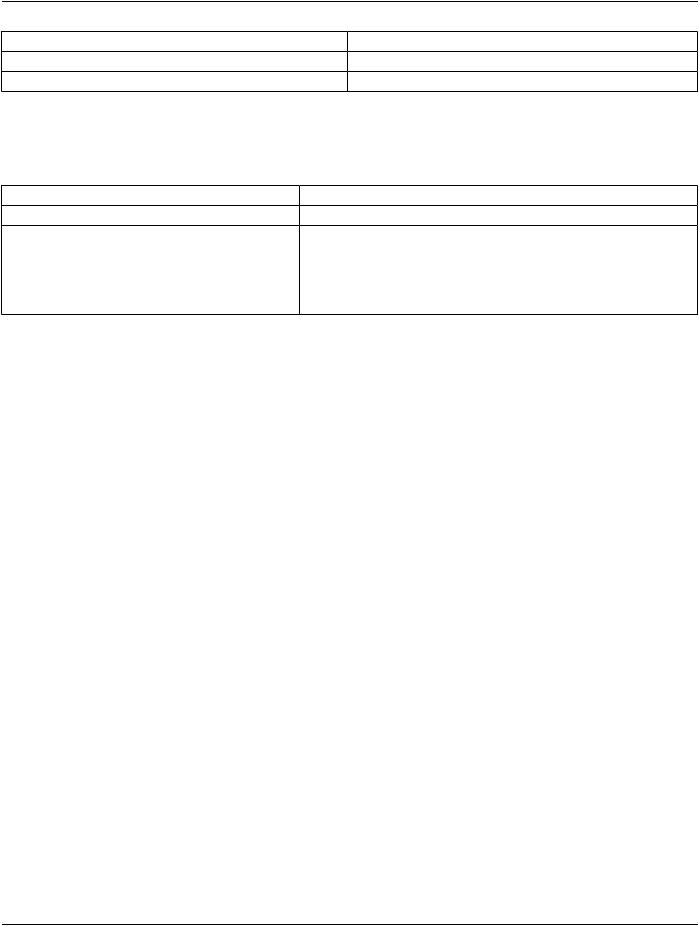
An included Template that accepts parameters shall be introduced by a table listing those parameters of the form:
- Standard -
DICOM PS3.16 2020a - Content Mapping Resource |
Page 85 |
|
Parameter Name |
Parameter Usage |
|
... |
... |
|
... |
... |
|
Parameters are indicated by a name beginning with the character "$".
The invoking Template may specify the value of the parameters in the included Template by name in the Value Set Constraint field of the INCLUDE row. The parameter in the included Template shall be replaced by the specified parameter value. Specification of a parameter value shall be of one of the following forms:
Notation |
Definition |
$parametername = EV or DT (CV, CSD, "CM") |
The parameter passed to the Template is the specified coded term. |
$parametername = (CV, CSD, "CM") |
The parameter passed to the Template is the specified coded term, used |
|
as a parameter in a Condition field of the included Template. |
$parametername = BCID or DCID (CID) CNAME |
The parameter passed to the Template is the Context Group. |
$parametername = MemberOf {BCID or DCID (CID) |
The parameter passed to the Template is a single coded term from the |
CNAME} |
Context Group in curly braces. |
The specification of a parameter value is valid only for the directly included Template. Therefore, it needs to be explicitly respecified in Templates intermediate between the originally specifying Template and the target Template. The intermediate Template may use the same parameter name as used by the Template it invokes; in such a case, the intermediate Template would invoke the subsidiary Template with a specification in the Value Set Constraint field such as:
$parametername = $parametername
Note
In this case, the left hand instance of $parametername is the name in the subsidiary Template, and the right hand instance is the (parametrized) value passed into the current Template.
The invoking Template is not required to specify all parameters of included Templates. If not specified, the value set (term or context group) for that parameter is unconstrained. An unconstrained value in a Condition will cause the condition to fail.
6.2.4 Post-coordinated Codes and Has Concept Modifier Relationship
Though it may not be explicitly shown in a particular Template, the use of any coded Concept Name in any Content Item may be defined in a post-coordinated rather than pre-coordinated manner, unless explicitly forbidden by the IOD or the Template.
Accordingly, any such Content Item may have any number of Target Content Items via a "HAS CONCEPT MOD" relationship, even if not explicitly specified in a Template. Each Target Content Item of such a relationship may be more complicated than a single Content Item if the IOD permits (i.e., the post-coordinated concept may potentially be defined by a complex sub-tree).
6.2.5 Extension of Templates
An Extensible Template may be extended in an Application generating SOP Instances to include additional Content Items in its definition. Such Content Items shall not duplicate concepts for which an encoding is defined in the Template. I.e., if a method is providedfortheencodingofaconceptintheTemplate,thatconceptshallnotbeencodedusingadifferentContentIteminanextension to the Template.
Note
There is no requirement that the included additional Content Items in a Template extension be placed at the end of the Template.TheadditionalContentItemsmaybeincludedatanysemanticallyappropriatelocationintheTemplate,regardless of whether the order of Content Items in the Template is significant.
A Non-extensible Template shall not be modified in an Application by the addition of Content Items to its definition.
- Standard -