DICOM PS3.17 2020a - Explanatory Information |
Page 347 |
•One deals with Container Components. Because there may be more than one component, this section is set up as a sequence.
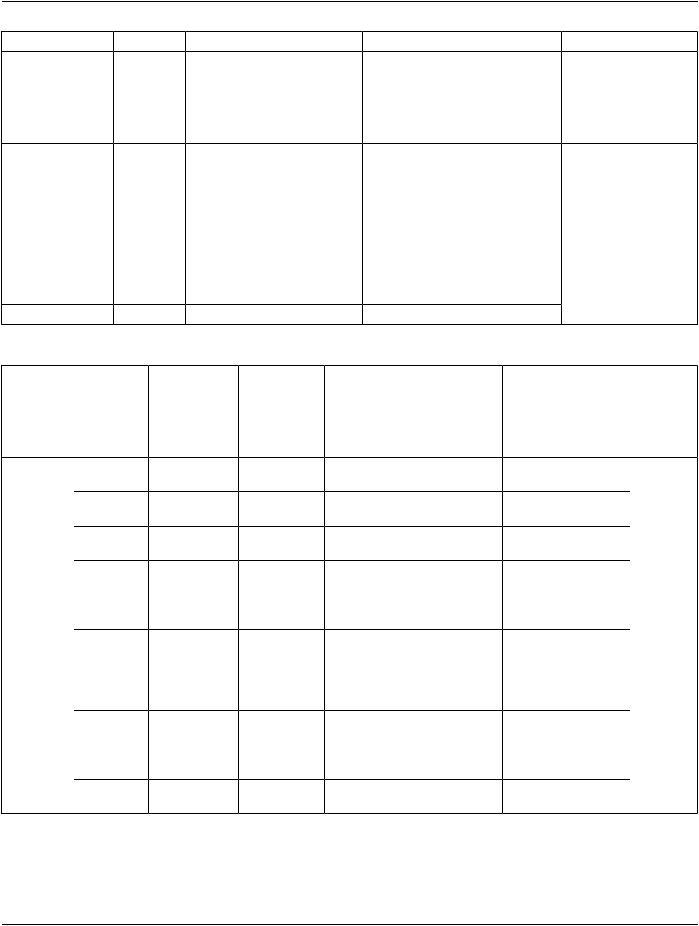
The Specimen Description Sequence contains five "sub-sections"
•One deals with the Specimen ID
•One deals with descriptions of the specimen
•One deals with preparation of the specimen and its ancestor specimens (including sampling, processing and staining). Because of its importance in interpreting slide images, staining is distinguished from other processing. Specimen preparation is set up as sequence of process steps (multiple steps are possible); each step is in turn a sequence of content items (Attributes using coded vocabularies). This is the most complex part of the module.
•One deals with the original anatomic location of the specimen in the patient.
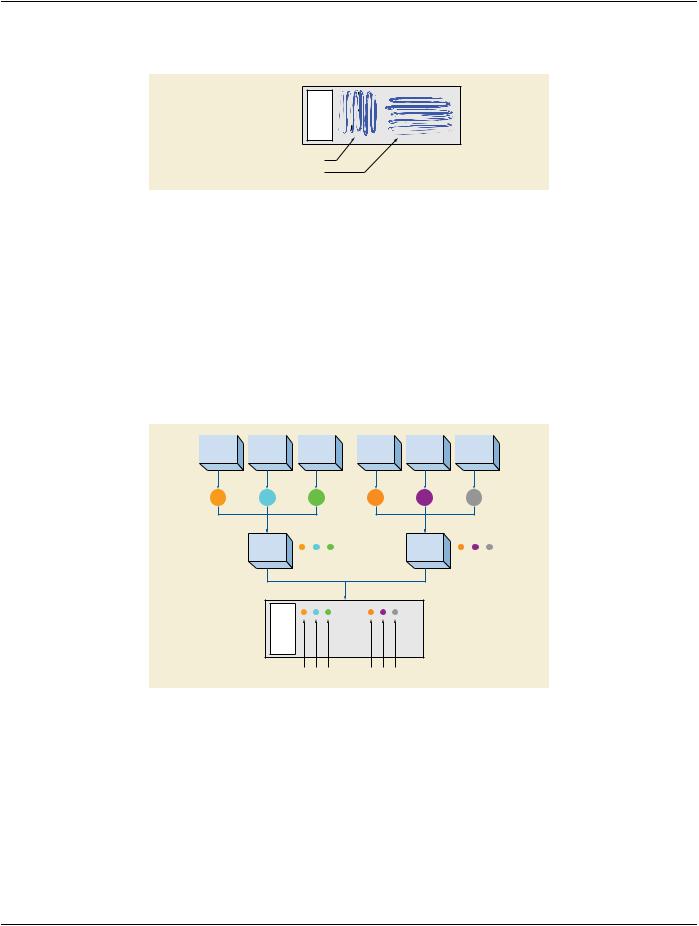
•One deals with specimen localization within a container. This is used to identify specimens when there is more than one in a con- tainer. It is set up as sequence.
NN.6 Examples of Specimen Module Use
This section includes examples of the use of the Specimen Module. Each example has two tables.
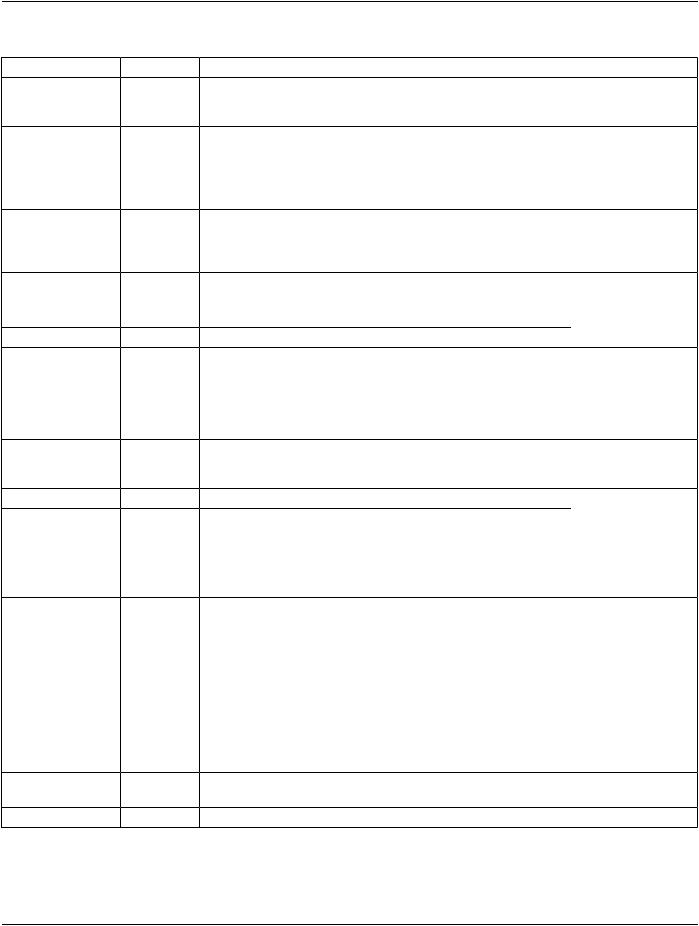
The first table contains the majority of the container and specimen elements of the Specimen Module. The second includes the Spe- cimen Preparation Sequence (which documents the sampling, processing and staining steps).
In the first table, invocations of Macros have been expanded to their constituent Attributes. The Table does not include Type 3 (op- tional) Attributes that are not used for the example case.
The second table shows the Items of the Specimen Preparation Sequence and its subsidiary Specimen Preparation Step Content ItemSequence.ThatlattersequenceitselfhassubsidiaryCodeSequenceItems,buttheseareshowninthecanonicalDICOM"triplet" format (see PS3.16), e.g., (44714003, SCT, "Left Upper Lobe of Lung"). In the table, inclusions of subsidiary templates have been expanded to their constituent Content Items. The Table does not include Type U (optional) Content Items that are not used for the example case.
Values in the colored columns of the two tables actually appear in the image object.
NN.6.1 Gross Specimen
ThisisanexampleofhowtheSpecimenModulecanbepopulatedforagrossspecimen(alungloberesectionreceivedfromsurgery). The associated image would be a gross image taken in gross room.
Table NN.6-1. Specimen Module for Gross Specimen